QR code blurry or pixelated when printed?
A pixelated QR code is nearly always a resolution problem. Here is why it happens, and why SVG solves it permanently.
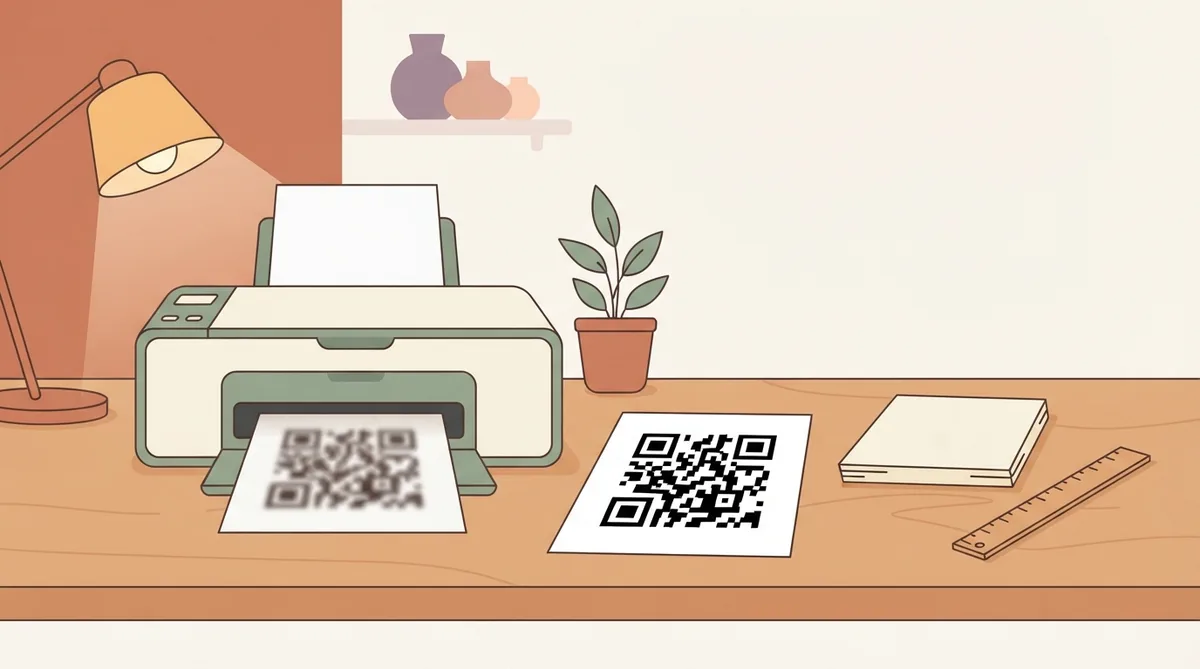
You download a QR code, drop it into a poster, and the printed result has soft, stair-stepped edges. It may still scan, or it may not. Either way it looks unprofessional, and the cause is almost always the same.
The cause: you enlarged a bitmap
A PNG is a grid of pixels. Downloading a 300-pixel-wide code and placing it at 10cm on a poster means each original pixel is being stretched to cover several printed dots. The printer has no extra detail to work with, so it interpolates, and the sharp edges QR codes depend on turn into gradients.
Screens hide this. A monitor is roughly 96 pixels per inch; print wants 300. A code that looks crisp on your laptop is carrying about a third of the detail the printer needs.
The fix: download SVG instead
SVG is not pixels. It describes the code as shapes, so it redraws perfectly at any size — a business card or a billboard, from the same file. There is no resolution to run out of.
Every design tool worth using takes SVG: Illustrator, InDesign, Figma, Canva, Affinity. If you are sending artwork to a printer, send SVG or a PDF containing it. This is the single change that permanently ends blurry codes.
If you have to use PNG
Sometimes the tool at the other end only accepts a bitmap. In that case, generate at the size you will actually print, at 300 DPI:
| Printed size | Minimum PNG width |
|---|---|
| 2cm (business card) | 240 px |
| 3cm (flyer, menu) | 350 px |
| 5cm (poster insert) | 600 px |
| 10cm (A3 poster) | 1200 px |
| 30cm (window, banner) | 3500 px |
Generate at that size or larger and scale down if you need to. Scaling down preserves detail; scaling up invents it.
Other things that soften a printed code
- Saving as JPEG — the compression is built for photographs and puts visible artefacts around the hard edges QR codes are made of. Use PNG or SVG, never JPEG.
- Screenshotting the code instead of downloading it, which captures it at screen resolution and often at a fraction of the original size.
- Draft or eco print modes, which reduce dot density exactly where you need it.
- Uncoated or absorbent stock, which lets ink spread past the module boundary.
How to check before committing
Print a single proof at the exact final size, on the exact stock, and scan it from the distance people will really stand at. Zooming in on a PDF proves nothing — a PDF will happily display detail that the printer cannot reproduce.
Common questions
- What resolution should a QR code be for printing?
- 300 DPI at the final printed size. For a 3cm code that means roughly 350 pixels wide. SVG avoids the calculation entirely, since it has no fixed resolution.
- Is SVG or PNG better for QR codes?
- SVG for anything printed, because it stays sharp at any size. PNG is fine for screens, email and social, where the display size is known and small.
- Why does my QR code look fine on screen but bad in print?
- Screens are about 96 DPI and print wants 300. A code that fills your screen crisply has roughly a third of the detail a printer needs at the same physical size.