What is the minimum size for a QR code?
The working rule is a tenth of the scanning distance, with a floor of about 2cm. Here is why, and when you need more.
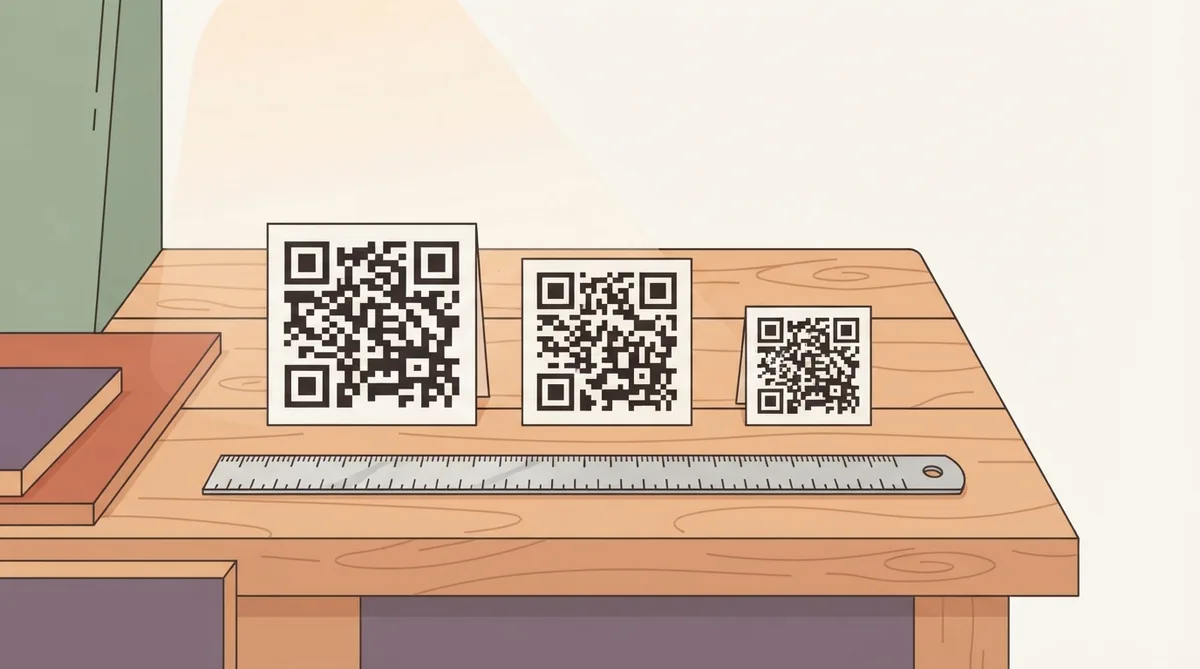
Most people ask this after a code failed to scan on something already printed. The short answer is a tenth of the distance people will stand at, and never below about 2cm — but the honest answer has more to it, because the same size behaves differently depending on what the code contains.
The absolute floor is about 2cm
Below roughly 2cm across, an ordinary phone camera struggles to resolve the individual modules regardless of how close it gets. Focus distance becomes the limit rather than resolution — most phones cannot focus sharply closer than about 10cm.
You can go smaller in controlled conditions, with a very short URL and excellent print quality, but 2cm is the point below which failures start being reported rather than theoretical.
Why the same size can pass and fail
A QR code is a grid, and more data means more squares in the same area. A short link produces a sparse grid with large modules. A long URL with tracking parameters produces a dense one where each module is a fraction of the size, on the same printed footprint.
So two codes printed at 2cm can behave completely differently. If a code has to be small, shorten what it contains before you shrink the image — a dynamic code encodes a short redirect rather than the full destination, which is the single most effective way to make a small code scannable.
Sizes that work in practice
| Where it goes | Read from | Print at least |
|---|---|---|
| Business card | 20cm | 2cm |
| Restaurant menu or table card | 30cm | 3cm |
| Flyer or leaflet | 30cm | 3cm |
| Product packaging | 20–30cm | 2.5cm |
| Poster at eye level | 1m | 10cm |
| Shop window from the pavement | 2m | 20cm |
| Vehicle livery, in traffic | 4m | 40cm |
| Billboard | 20m+ | 2m+ |
What makes the minimum larger
- A logo in the middle — it covers modules, so the rest need to be bigger to compensate
- A long destination, for the density reason above
- Textured, uncoated or absorbent paper, where ink spreads across module boundaries
- Curved surfaces like bottles and cans, which distort the grid
- Low light, which is most bars, restaurants and evening events
- Older phones, which have worse cameras and slower autofocus
Do not forget the quiet zone
The clear margin around the code is part of its size. It should be at least four modules wide — roughly the width of one corner square. Designers crop it constantly because the code looks over-padded. It is not, and a cropped quiet zone fails as reliably as a code that is too small.
The only test that matters
- 1.Print one proof at the exact final size, on the exact stock.
- 2.Scan it from the distance people will really stand at, not from 10cm.
- 3.Try it in the light the code will actually live in.
- 4.Try a second phone, ideally an older one.
Zooming in on a PDF proves nothing — a screen will happily show detail a printer cannot reproduce.
Common questions
- What is the smallest a QR code can be?
- About 2cm across for reliable scanning with a phone. Below that, most phone cameras cannot focus close enough to resolve the modules, whatever the print quality.
- How big should a QR code be on a poster?
- Around a tenth of the reading distance. For a poster read from a metre away that is 10cm; for a shop window read from the pavement, 20cm or more.
- Does adding a logo mean the code must be bigger?
- Yes. A logo covers modules that error correction then has to reconstruct, which leaves less tolerance for everything else. Print larger and keep the logo under about 20 per cent of the area.