How to put an image or logo inside a QR code
You can put a logo in a QR code without breaking it — up to a point. Here is where that point is and how to stay under it.
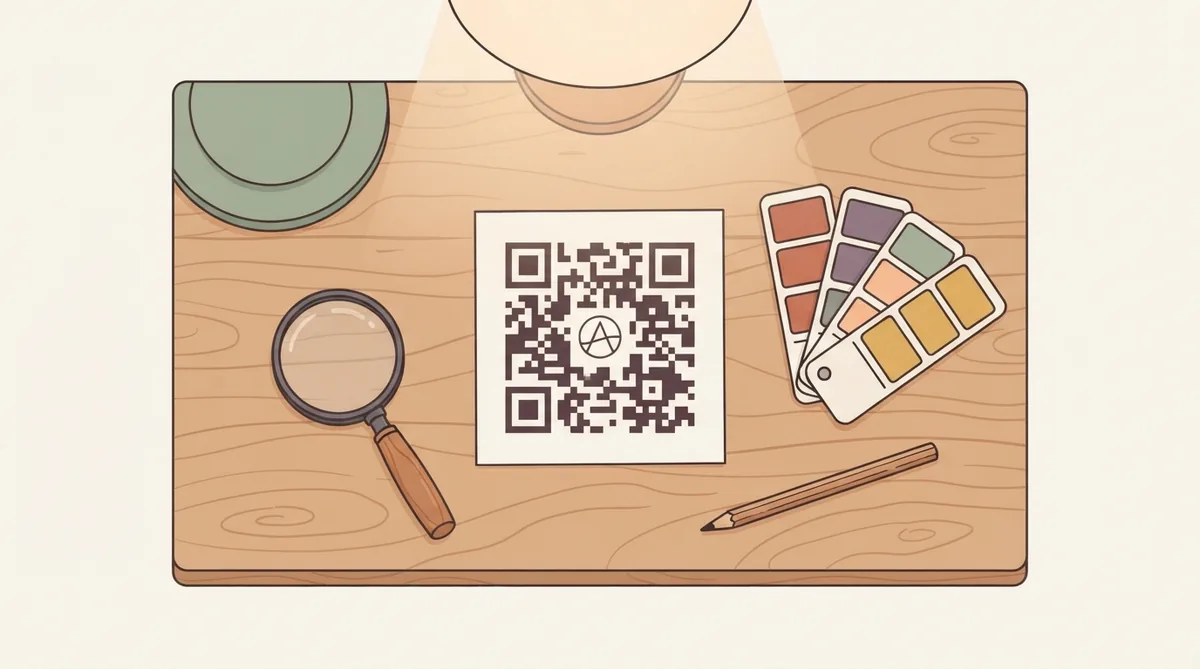
A QR code with a logo in the middle still scans because the format carries error correction — spare data that lets a scanner rebuild what it cannot read. That is why a logo works at all. It is also why there is a limit, and why some codes with logos fail in the real world after testing fine on screen.
How much you can actually cover
At the highest error correction level, about 30 per cent of a code can be damaged and still decode. That is the theoretical ceiling, not a target. A logo sitting over 30 per cent leaves nothing spare for a scuff, a shadow, a fold or a cheap print run.
Centre it, and only centre it
The three large squares in the corners are the finder patterns — they are how a scanner locates and orients the code. Cover any part of them and it fails immediately, no matter how good the error correction is. The middle is the only safe place for a logo.
Which images work
- Simple shapes with thick strokes — a monogram, an icon, a wordmark of two or three letters
- High contrast against the code's background, not a mid-tone that blends into the modules
- A solid or transparent background rather than a busy photograph
- SVG where possible, so the logo stays sharp at any print size
What does not work is a detailed image scaled down. A logo renders at roughly 80 to 100 pixels inside a typical code. An app icon or a photograph loses everything but its dominant colour at that size, which is why a dark, detailed image often looks like nothing appeared at all.
Why a dark logo can look invisible
QR modules are usually black on white. A logo that is also mostly dark blends straight into them — it is drawn, but you cannot see it. If your logo has a black or very dark background, either use a version with a light or transparent background, or crop to one bright element rather than the whole mark.
Raise the error correction, and know the cost
| Level | Recoverable | Use for |
|---|---|---|
| L | ~7% | Clean digital display, no logo |
| M | ~15% | Default for most codes |
| Q | ~25% | Small logo, or a rough surface |
| H | ~30% | Any logo, anything printed on packaging |
Higher correction means more data in the same square, so the modules get smaller. A code at level H needs printing slightly larger than the same code at level M. That trade is worth making with a logo, and not worth making without one.
Test the printed version
A logo that works on a monitor can fail on matte paper at 2cm. Print a proof, scan it in ordinary light from the real distance, and try a second phone. This is the step people skip and then discover across a thousand flyers.
Common questions
- Can you put a picture in the middle of a QR code?
- Yes. Error correction lets a scanner rebuild covered modules, so a centred logo works. Keep it under about 20 per cent of the area and set error correction to H.
- How much of a QR code can be covered?
- Up to about 30 per cent at the highest error correction level, but that is the point of failure rather than a target. Staying under 20 per cent leaves tolerance for scuffs, shadows and imperfect printing.
- Why can I not see my logo on the QR code?
- Usually because the logo is dark and the modules are black, so it blends in. Use a version with a light or transparent background, or crop to a single bright element — a detailed icon loses everything but its dominant colour at logo size.
- Does a logo stop a QR code working?
- Not if it is centred, small enough and the error correction is raised. It fails when it covers a corner finder pattern, or when it is so large there is no tolerance left for real-world wear.